What is Arches?
Figure 1
Figure 2
Figure 3

Figure 4
Navigate the UI
Figure 1
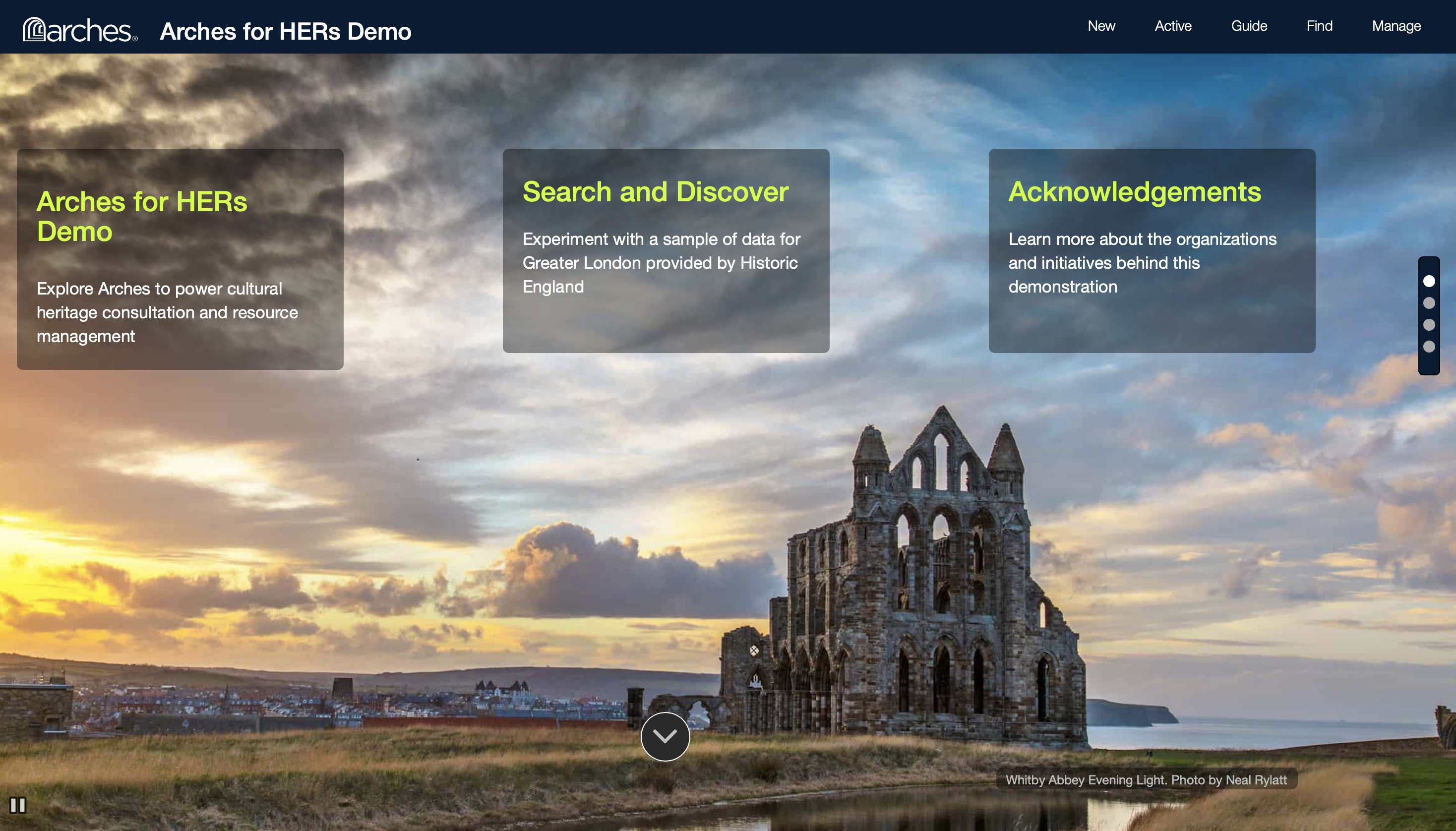
Figure 2
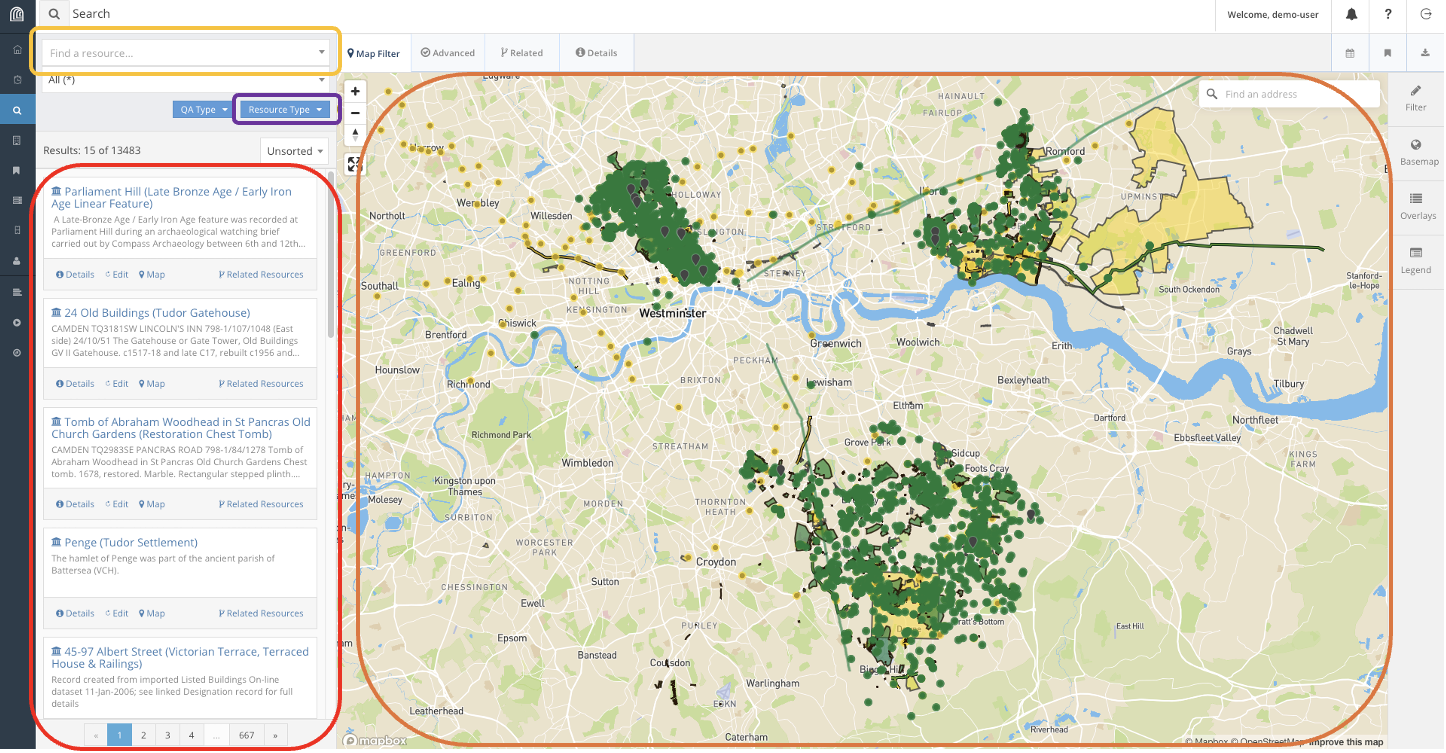
Figure 3

Figure 4
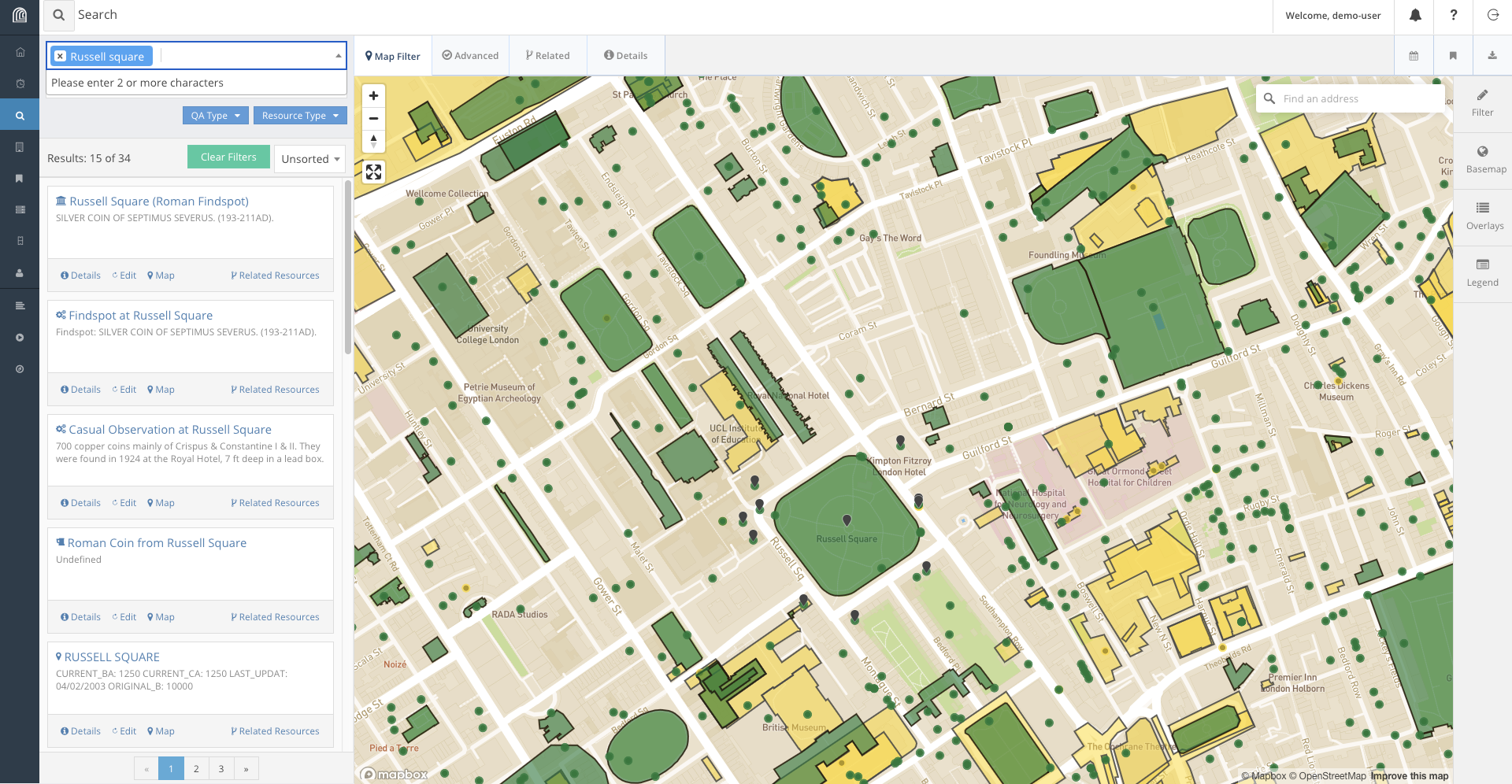
Figure 5
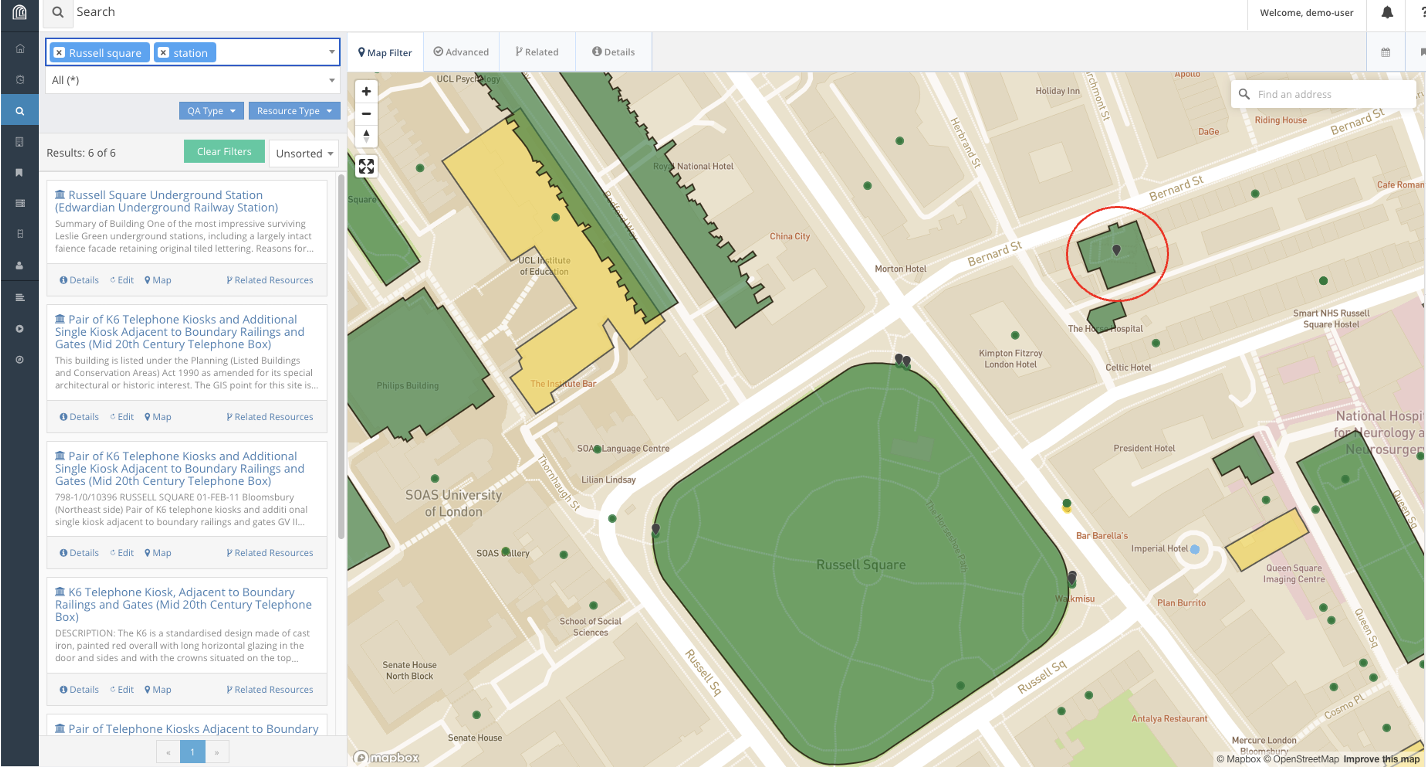
Figure 6
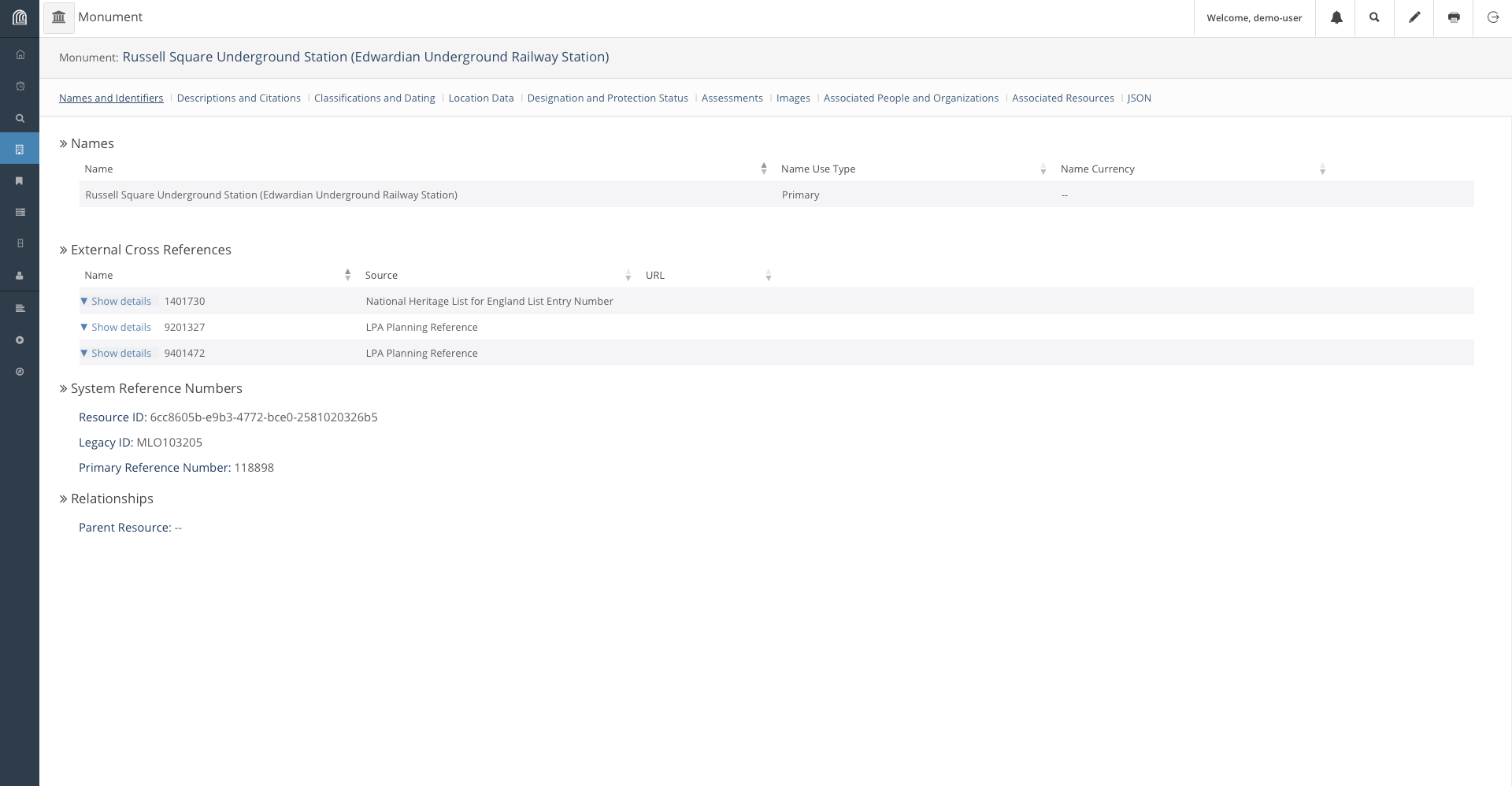
Figure 7
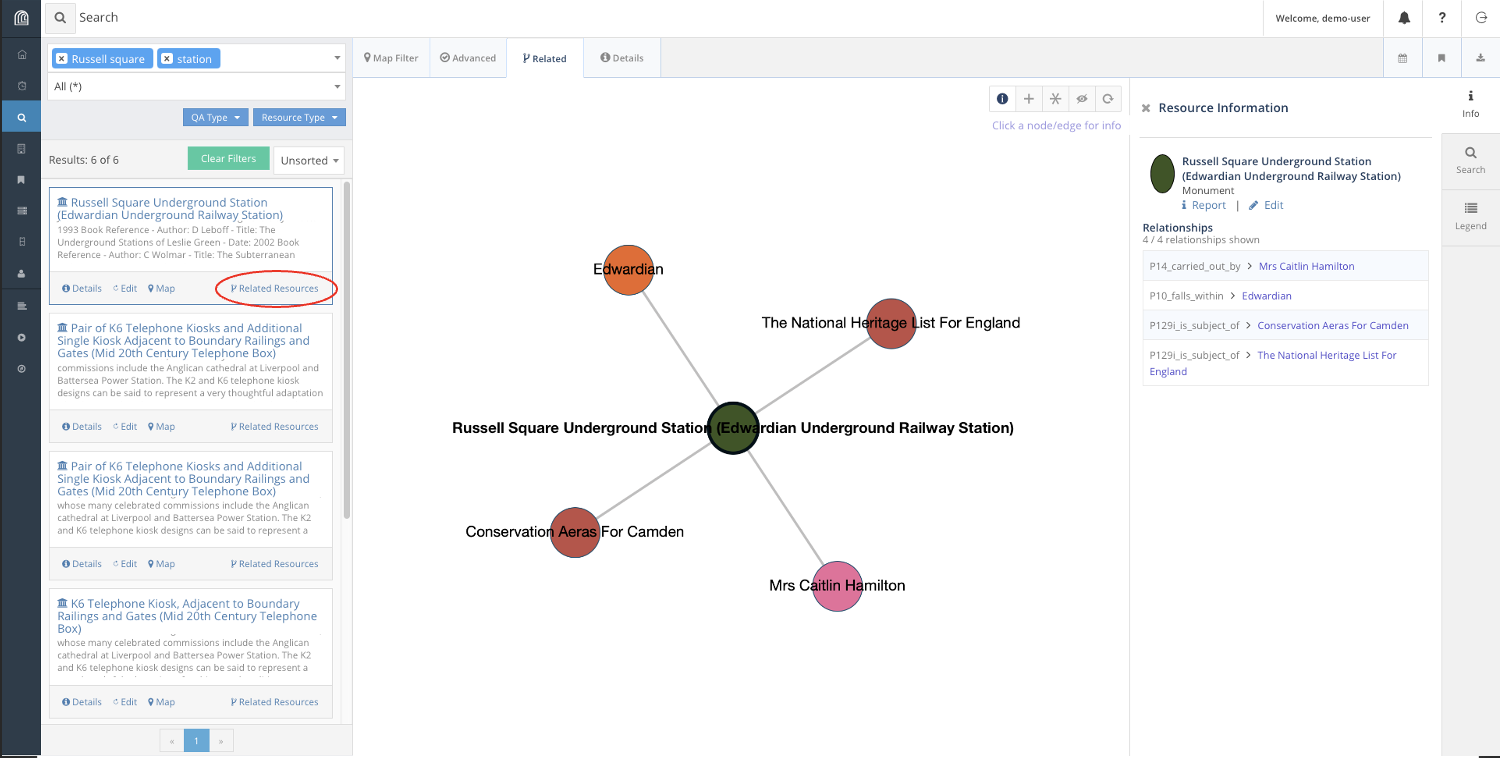
Figure 8
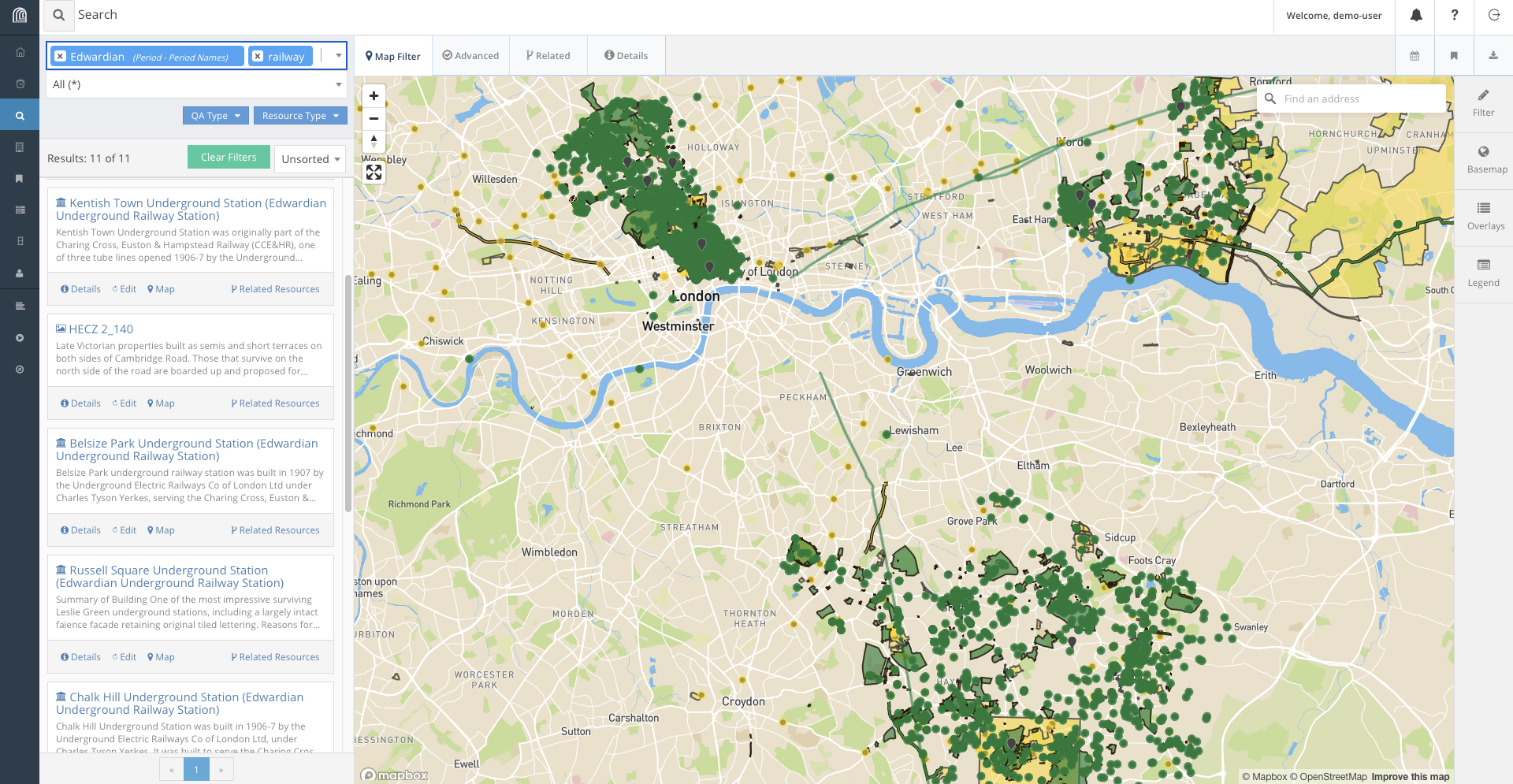
Database BasicsConclusion
Figure 1

Figure 2
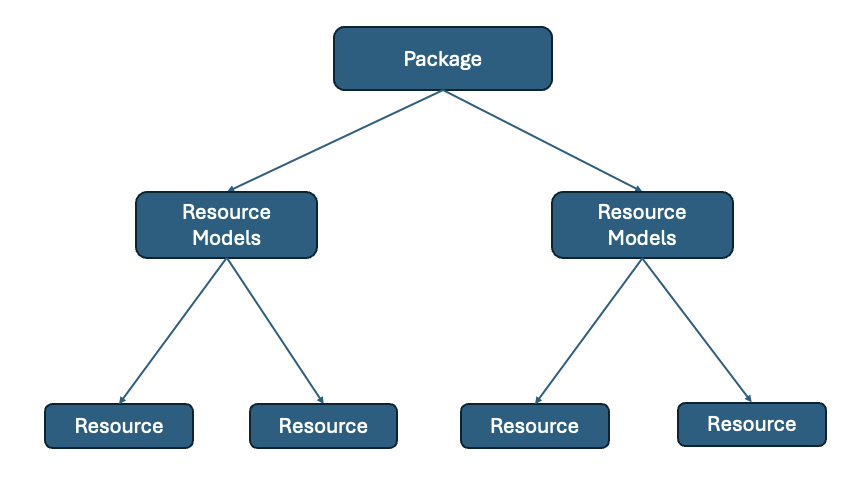
Figure 3
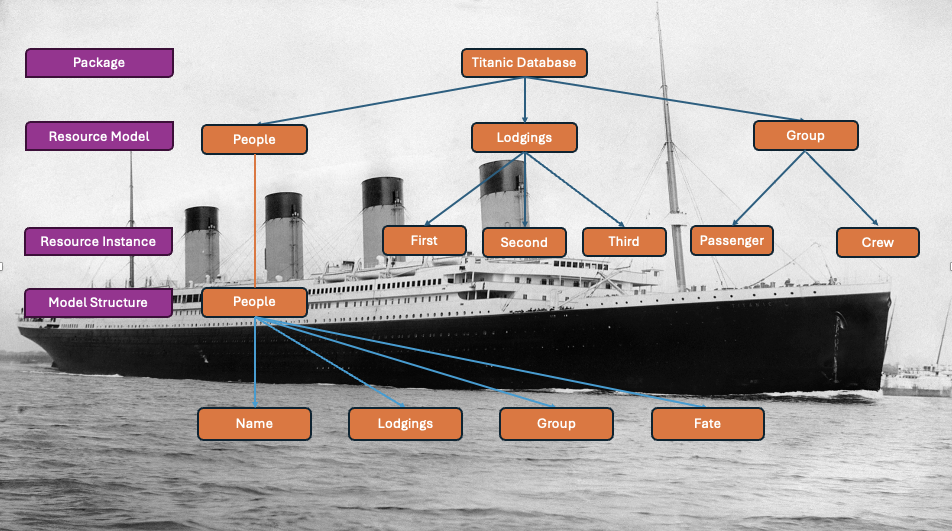
Figure 4
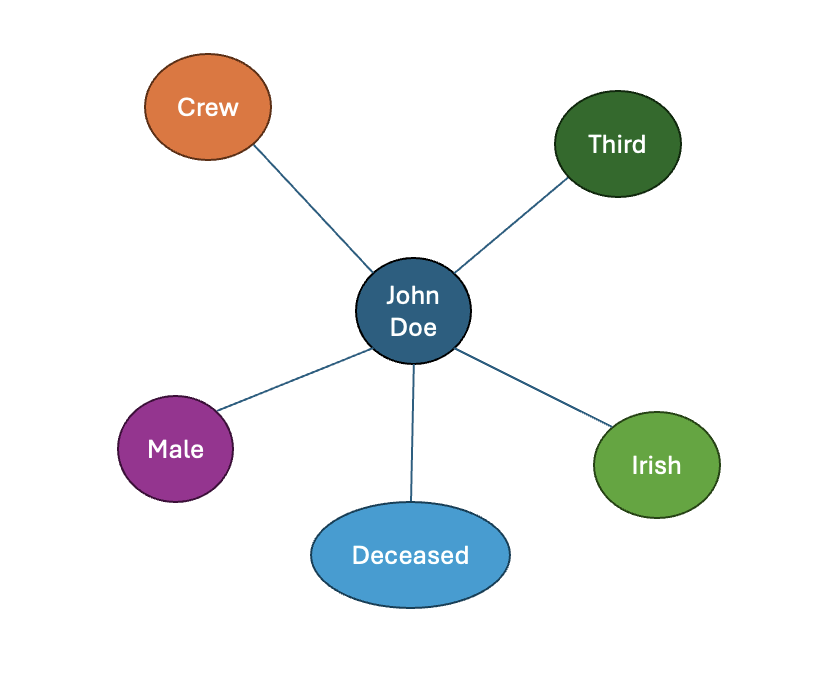
Figure 5

Database Interaction
Figure 1
Figure 2
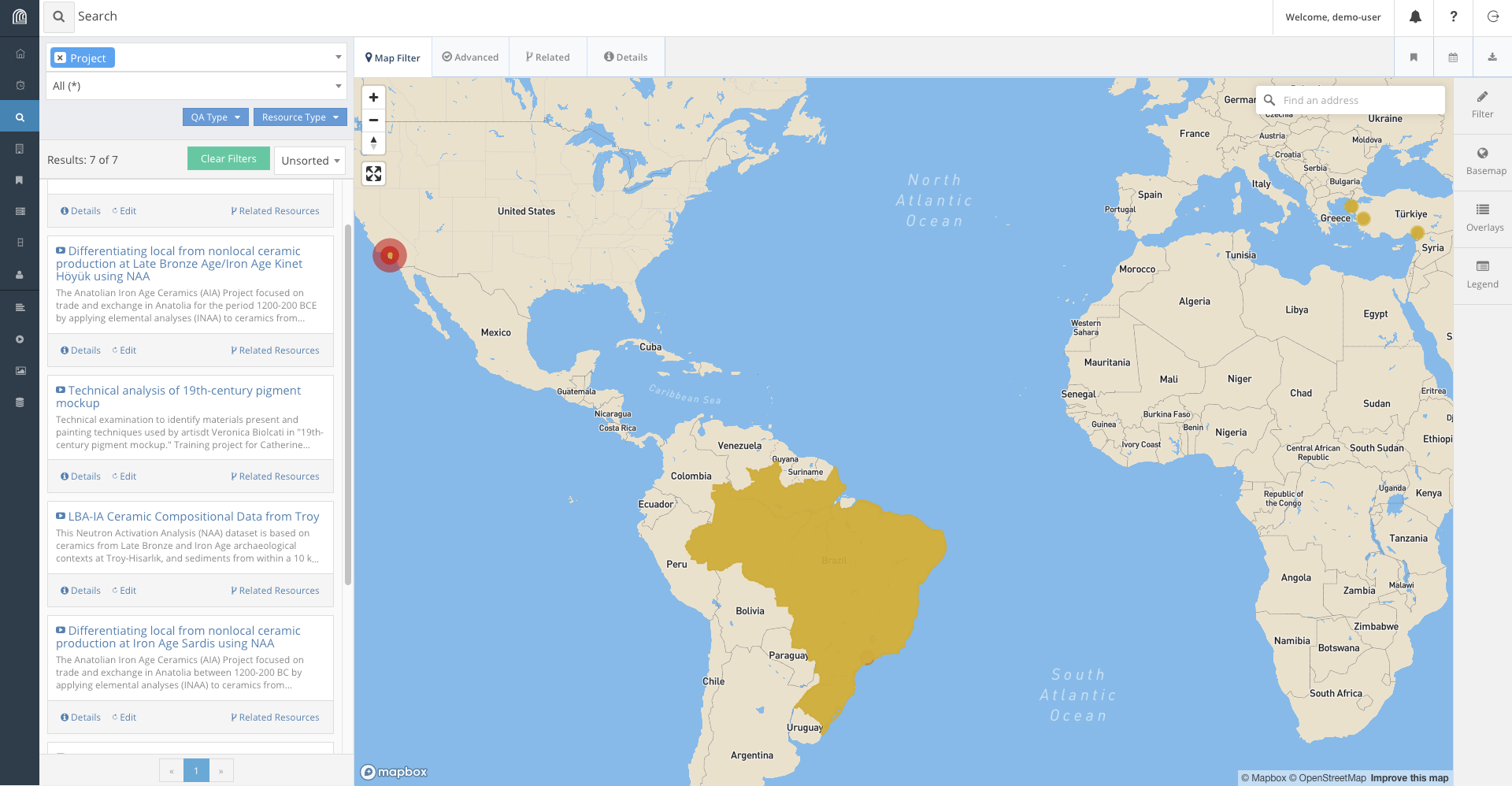
Figure 3
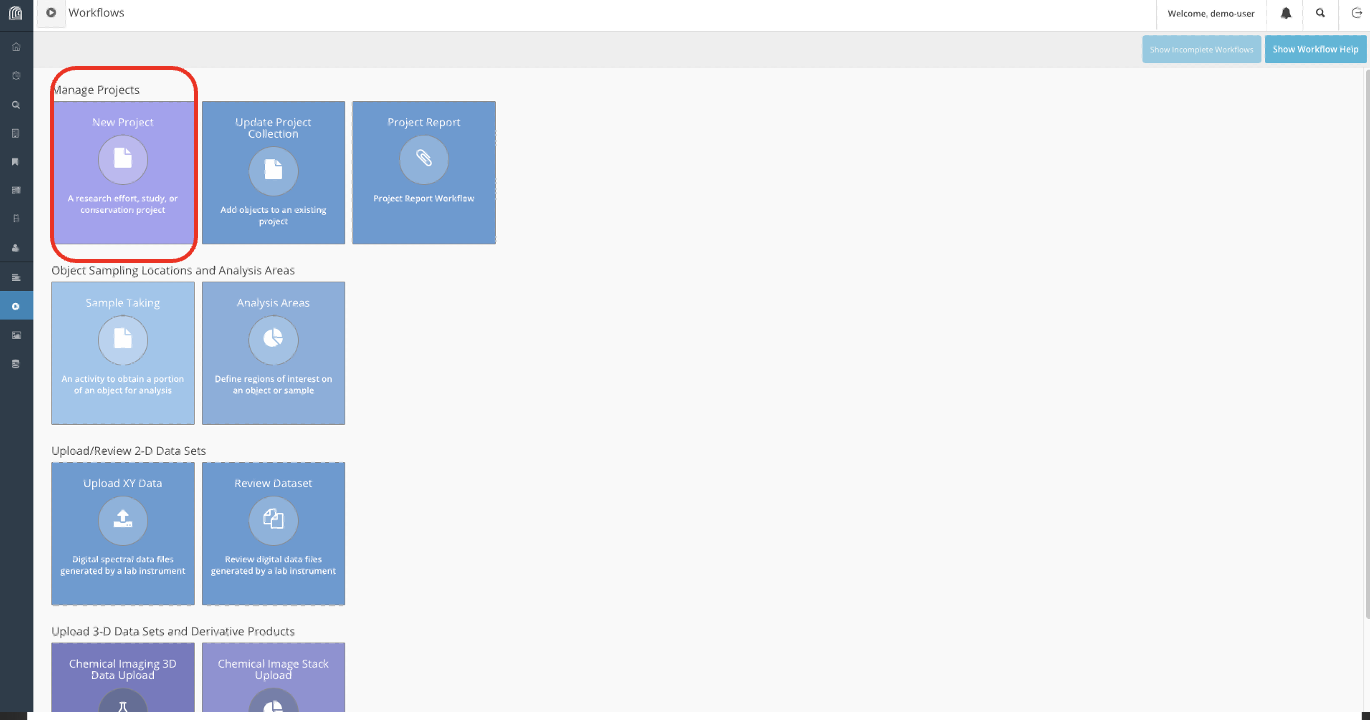
Figure 4
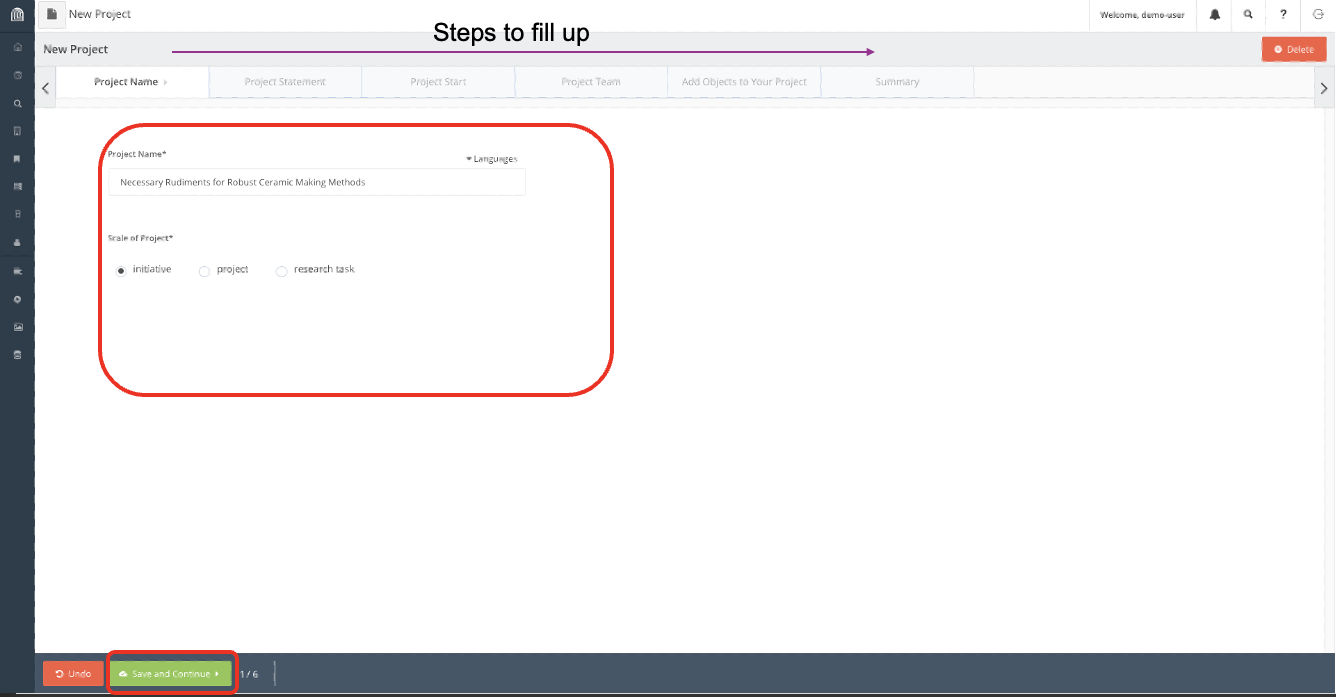
Figure 5
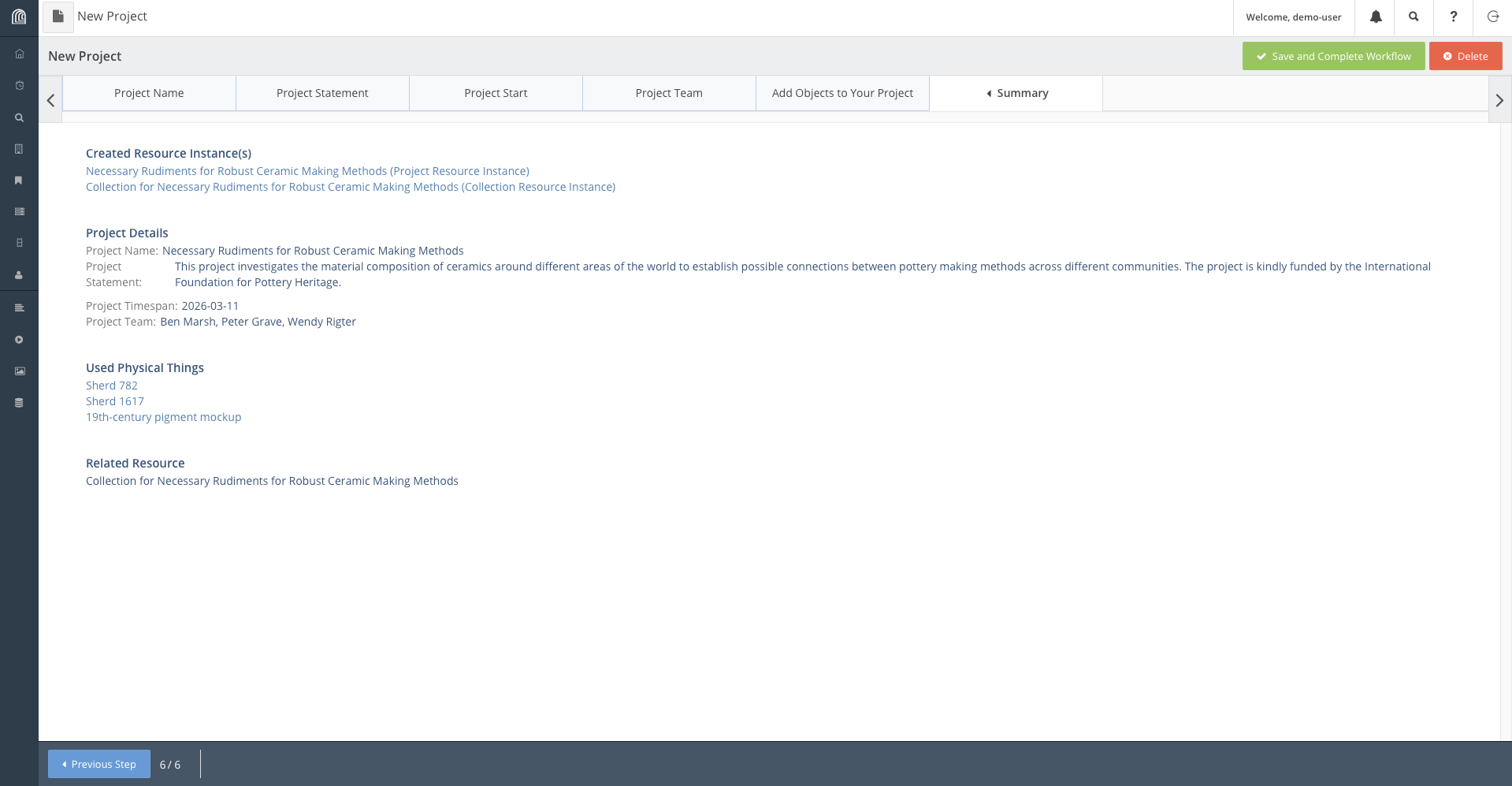
Figure 6
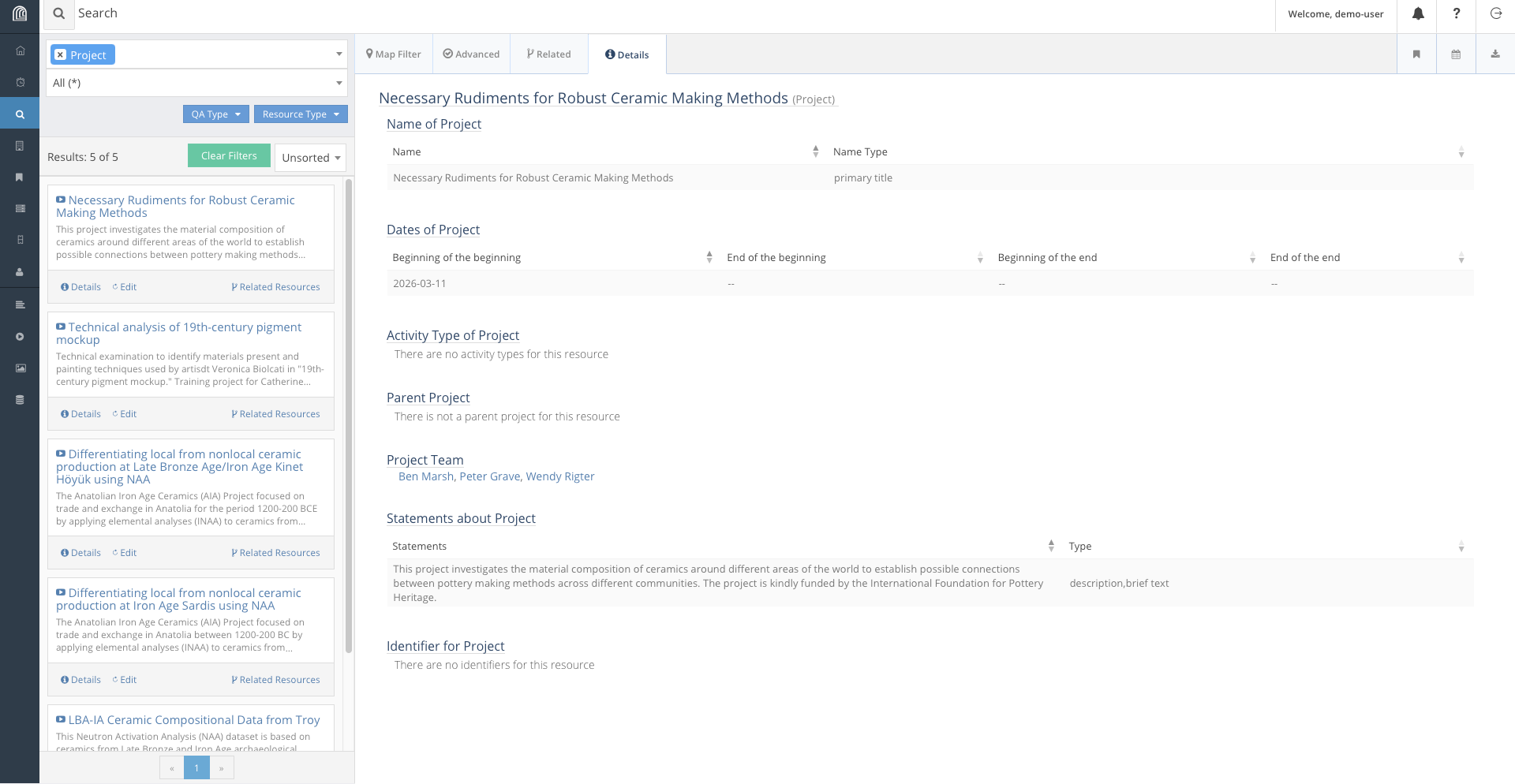
Figure 7
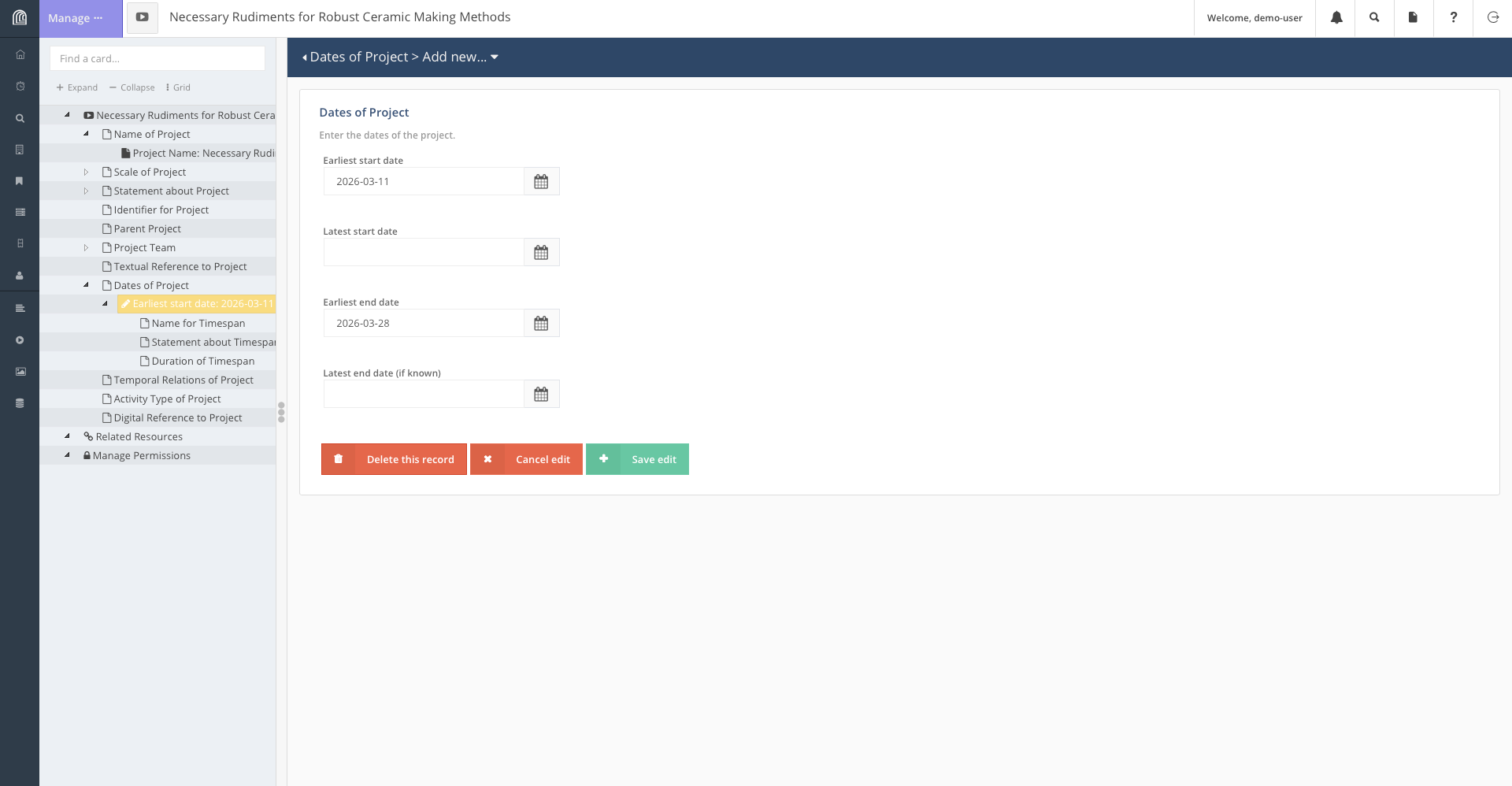
Figure 8
This is what we would do to add Italy (or any other location) to the
database: - Create a new Place Resource. 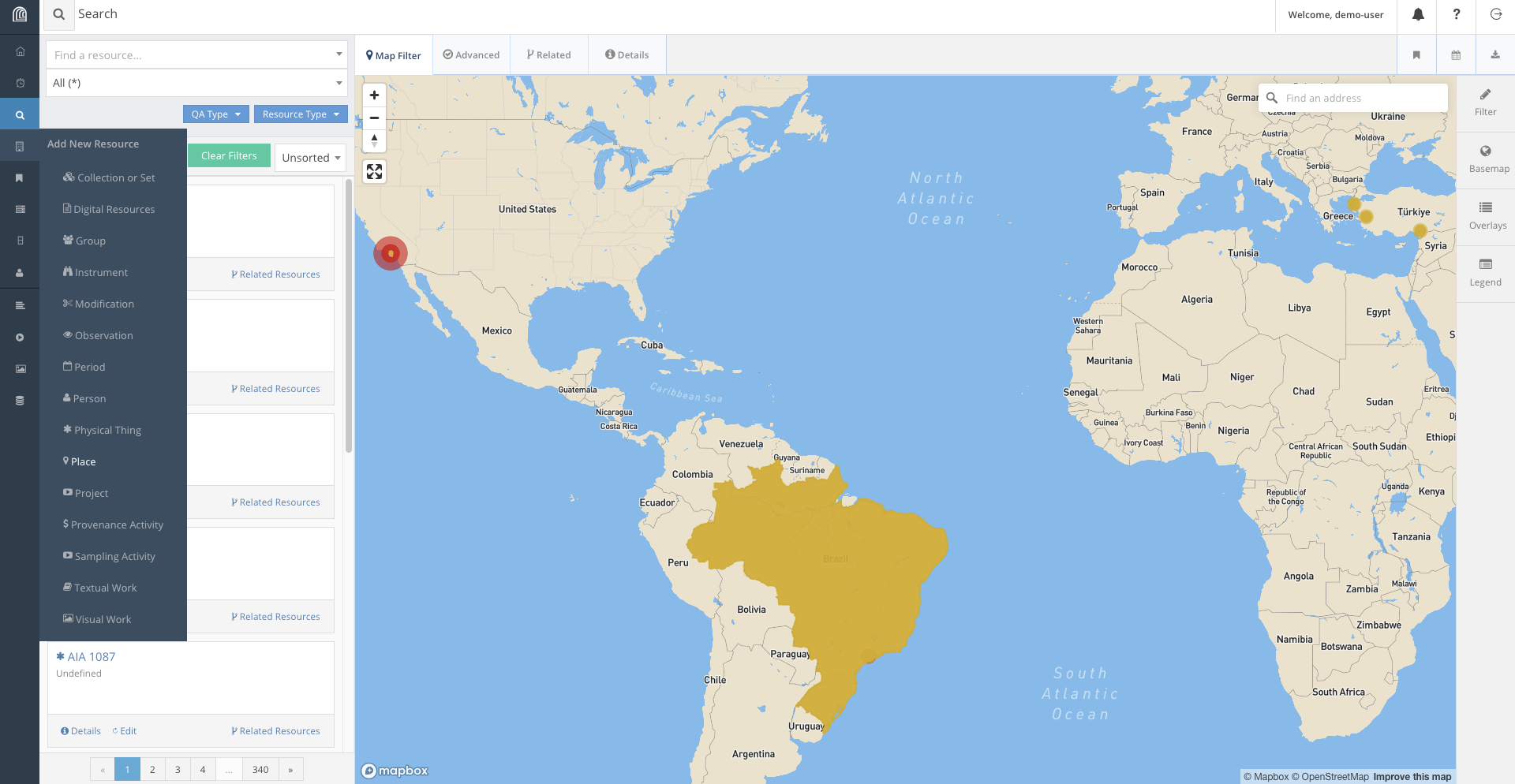 - Fill the information
according to what is required.
- Fill the information
according to what is required. 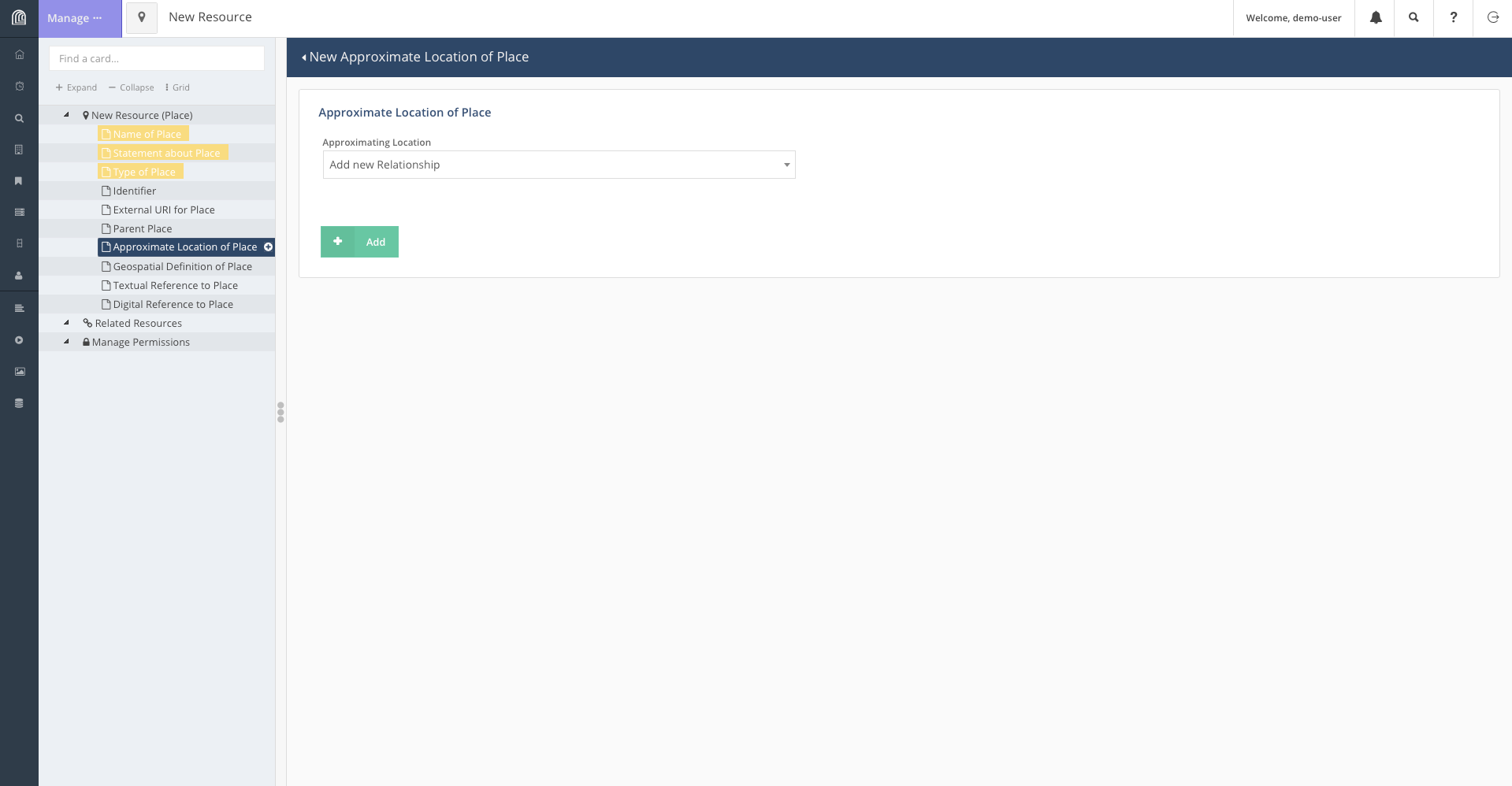 - On the page containing geospatial information, we
use the tool bar to add Italy onto the map. Depending on the level of
detail required, we can add either add a point on the map or box out the
landmass of Italy.
- On the page containing geospatial information, we
use the tool bar to add Italy onto the map. Depending on the level of
detail required, we can add either add a point on the map or box out the
landmass of Italy. 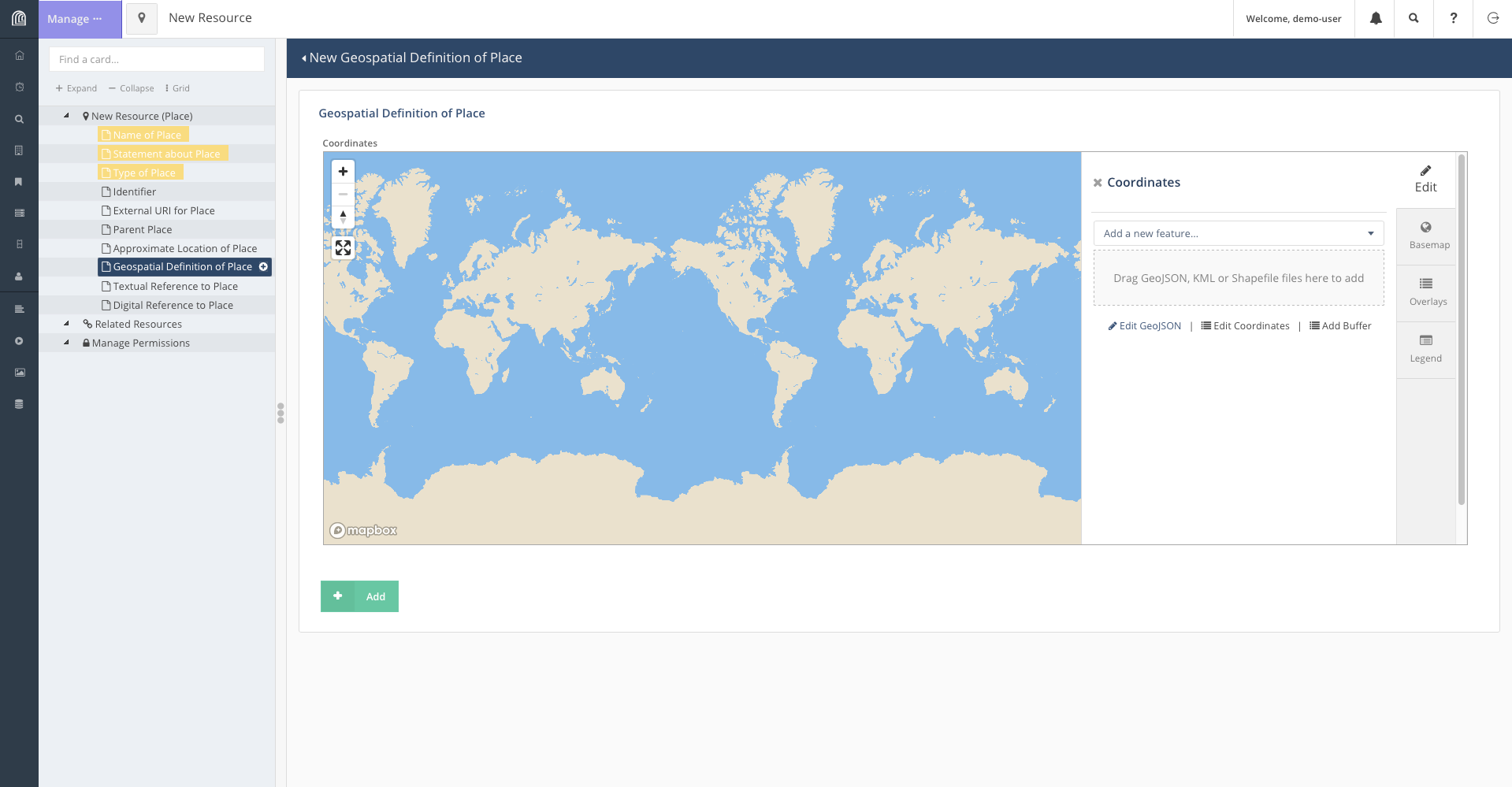 - To encircle the landmass of Italy, click on “Add a
new feature” and select “Add Polygon”. This will let you select points
on the map to form a shape encircling Italy.
- To encircle the landmass of Italy, click on “Add a
new feature” and select “Add Polygon”. This will let you select points
on the map to form a shape encircling Italy. 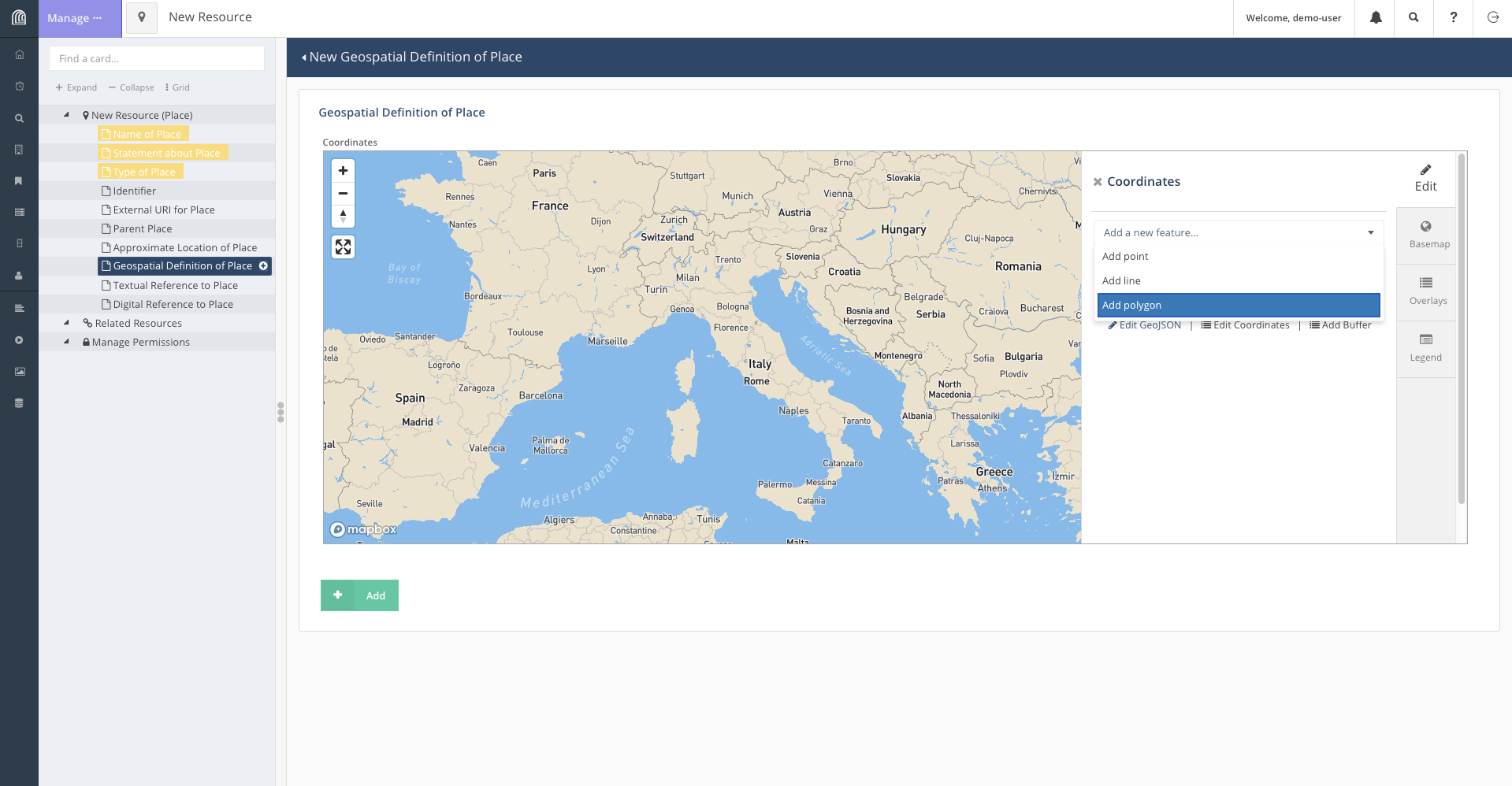 - Once the shape
accurately enough encircles Italy, we save the feature and add the
resource.
- Once the shape
accurately enough encircles Italy, we save the feature and add the
resource. 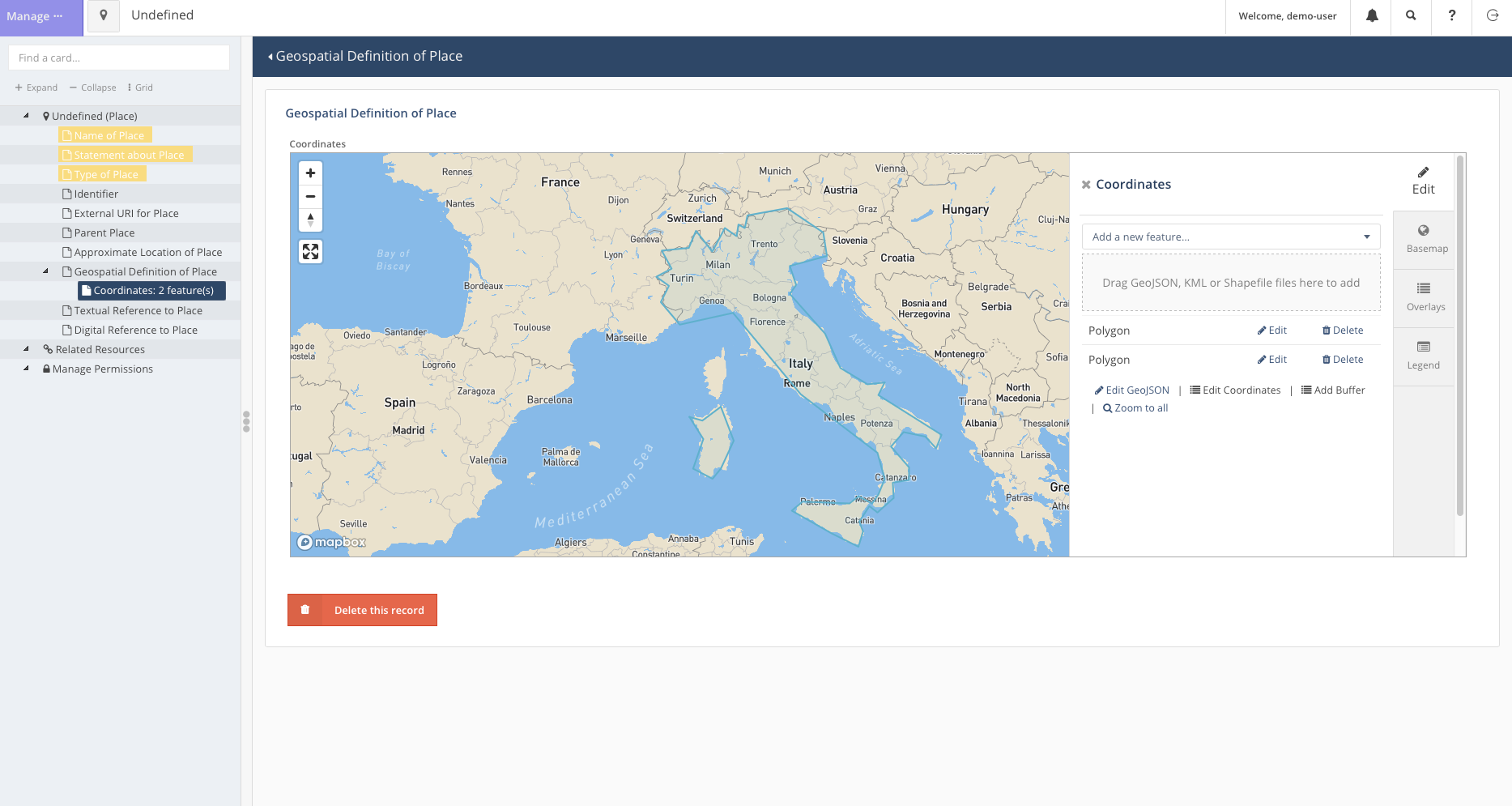
Figure 9
To do so: - First, we search for the resource accordingly. - Click on
the edit button to open the popup for the resource. 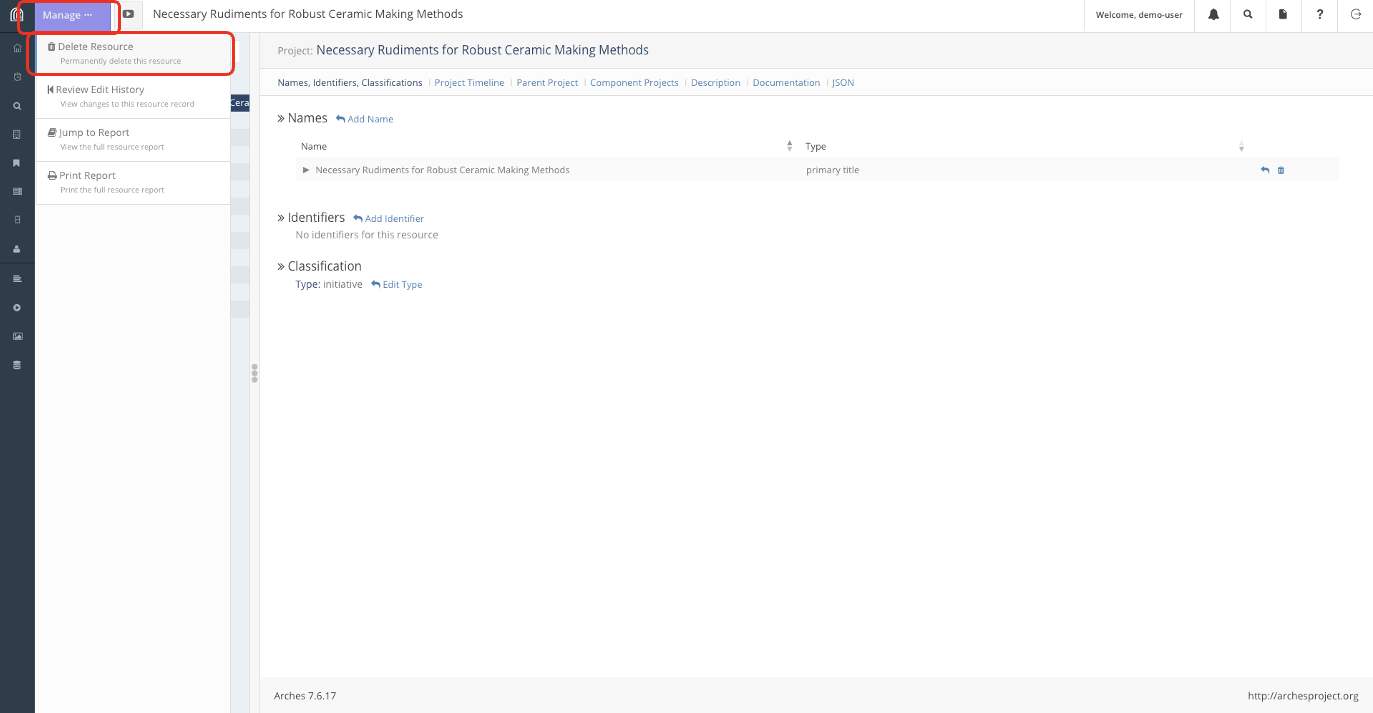
Let's Try it out
Figure 1
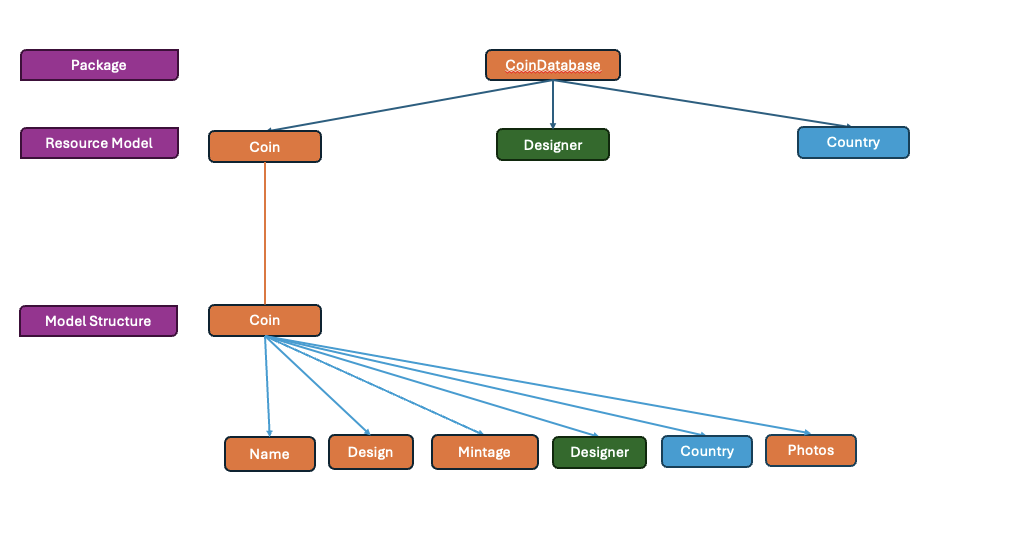
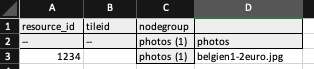
Bulk Imports
Figure 1
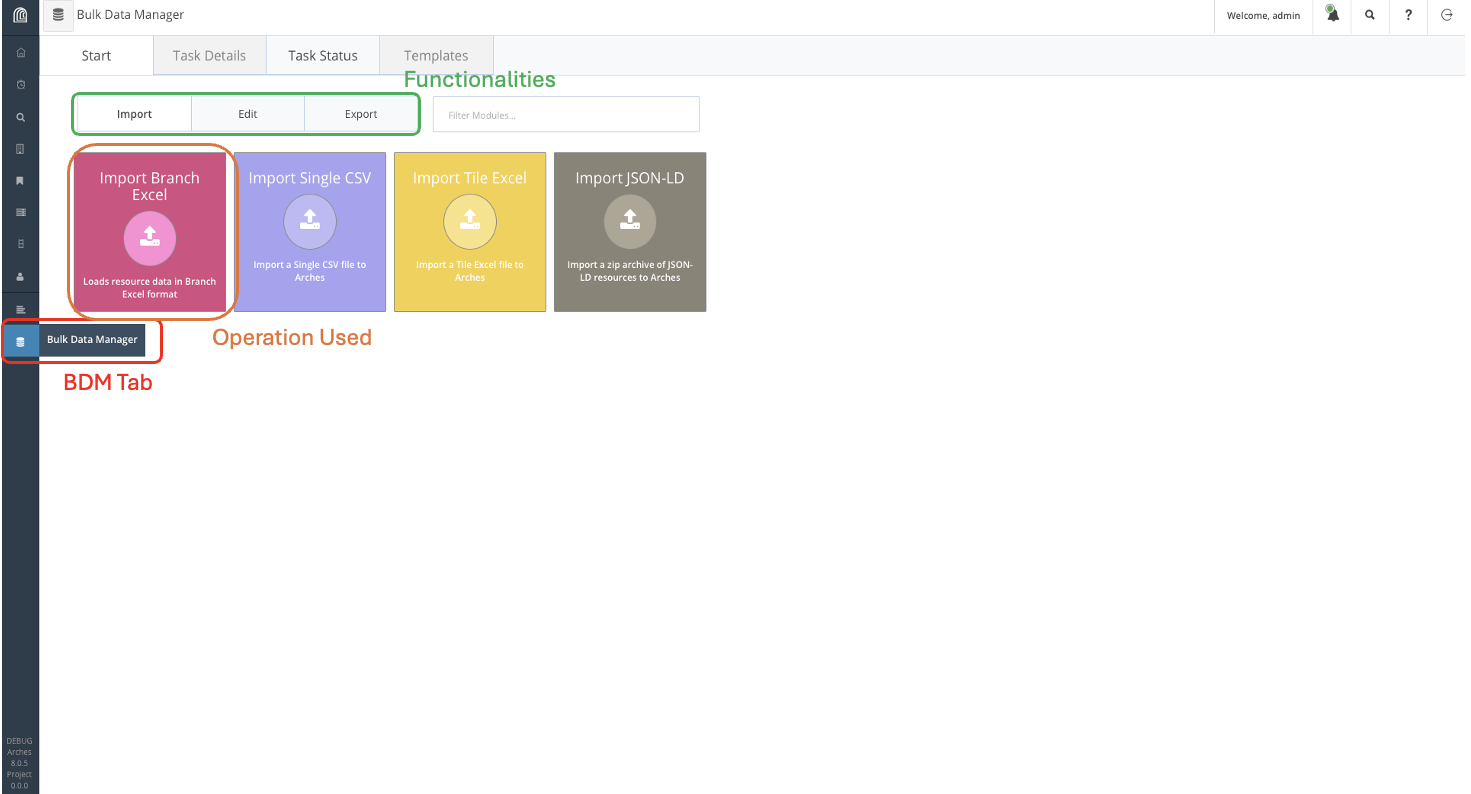
Figure 2
Figure 3
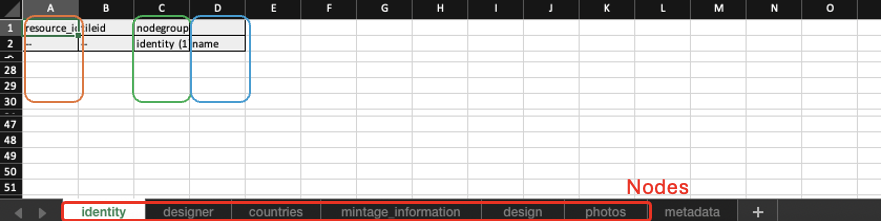
Figure 4
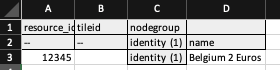
Figure 5